Will Disk Whisk delete anything on its own?
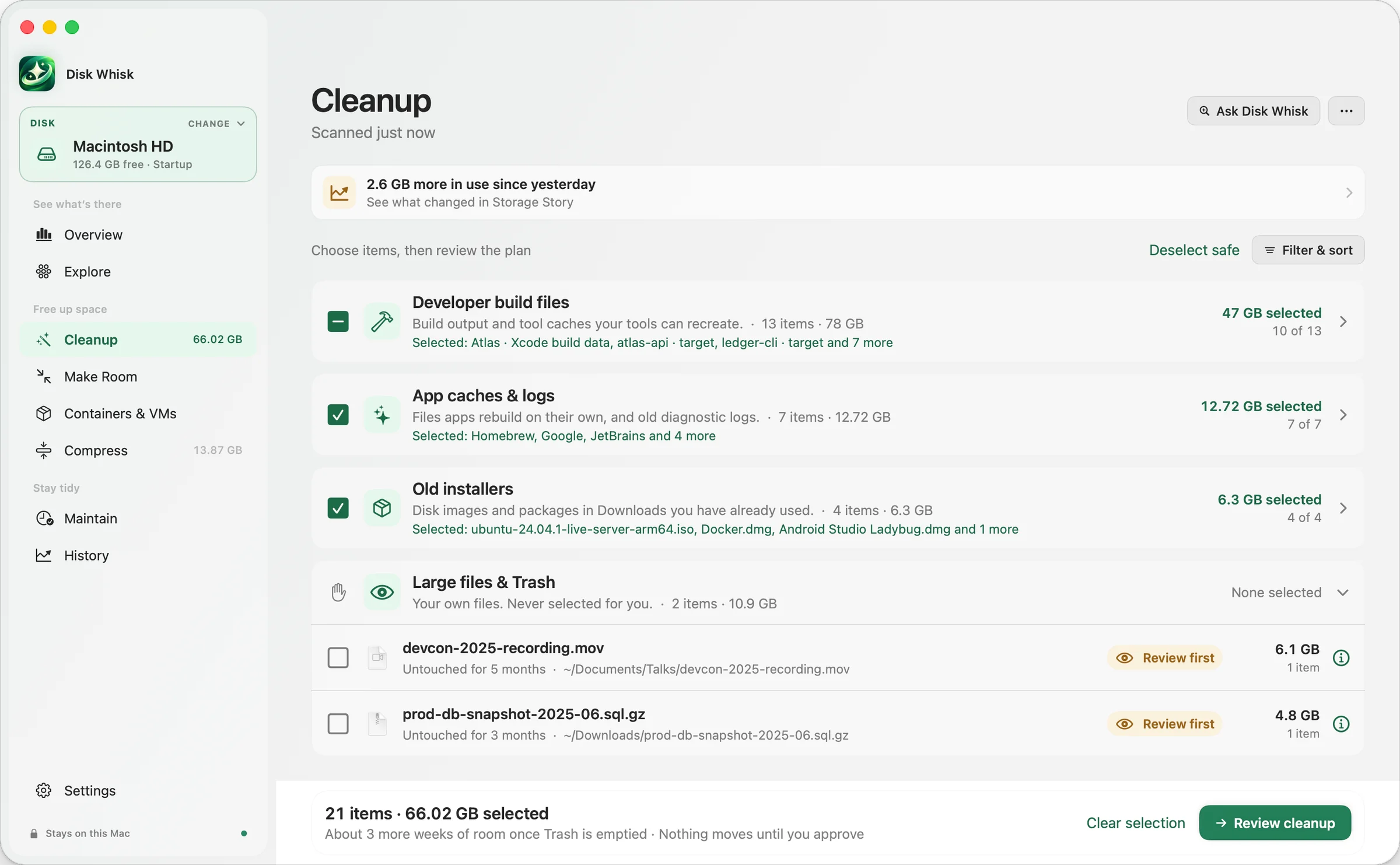
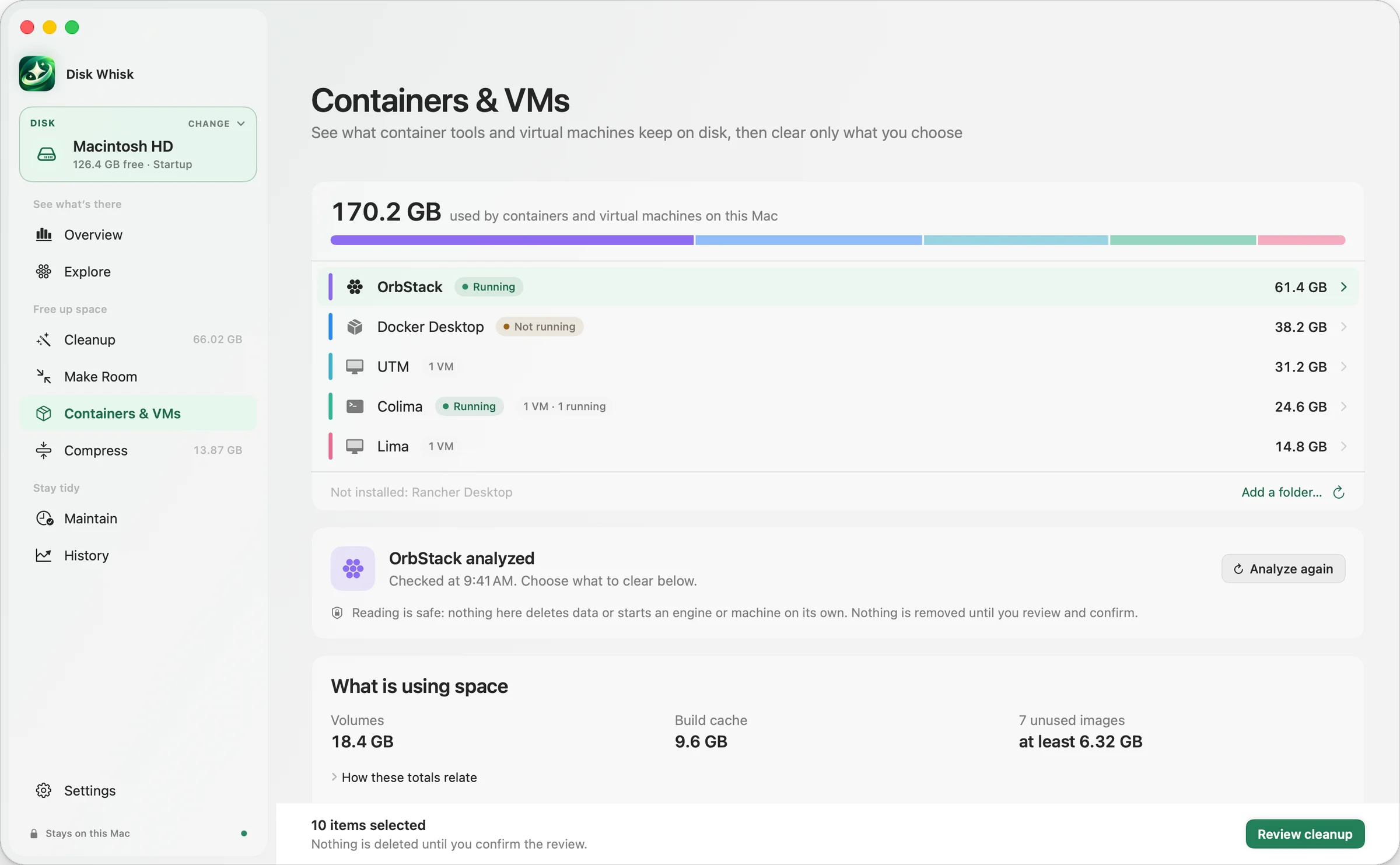
Only if you turn on Maintain’s automatic cleanup, which is off by default. It then moves safe caches and logs to the Trash after a day’s notice, and deletes them for good after 7 days only if you allow that separately. Everything else waits for you: scans only read, cleanups move only what you approve to the Trash, and the few permanent steps (container images, stopped virtual machines, Empty Trash) say so and ask first.
Will it touch my photos, models or projects?
Not without you. Your Photos library, Movies and Music folders, and Ollama and LM Studio models are shown, never offered for cleanup. Hugging Face downloads and Tart images always wait for your review, and so do build folders changed in the last two weeks. Containers are cleared through each engine’s own tools, never by deleting its disk image.
Does it need Full Disk Access?
No, it’s optional. Without it, Disk Whisk still scans your home folder, and macOS may ask before it looks in Desktop, Documents, Downloads or the Trash; if you say no, the rest of the scan still works. With Full Disk Access, it can also size Mail, Messages and other app data. Either way, scans only read. You can change it any time in System Settings → Privacy & Security → Full Disk Access.
Does my data leave my Mac?
Scanning, review, cleanup and History all happen on your Mac. No account is needed, and there’s no telemetry: no analytics, crash reporting or ads SDK. The app contacts our server only for licensing and, from version 0.9.5, a daily update check you can turn off. Ask Disk Whisk is optional: it answers locally, or with your own DeepSeek API key, in which case it sends your question and, for each item, a random ID, its category, a broad storage domain such as “developer cache” or “installer”, its size, last-changed date and safety level, a generic reason and impact, how it can be recovered, and a count of related items, plus your disk’s total size and free space. Never file names, paths or contents, so keep names out of your question too.
What’s free, and what happens when the trial ends?
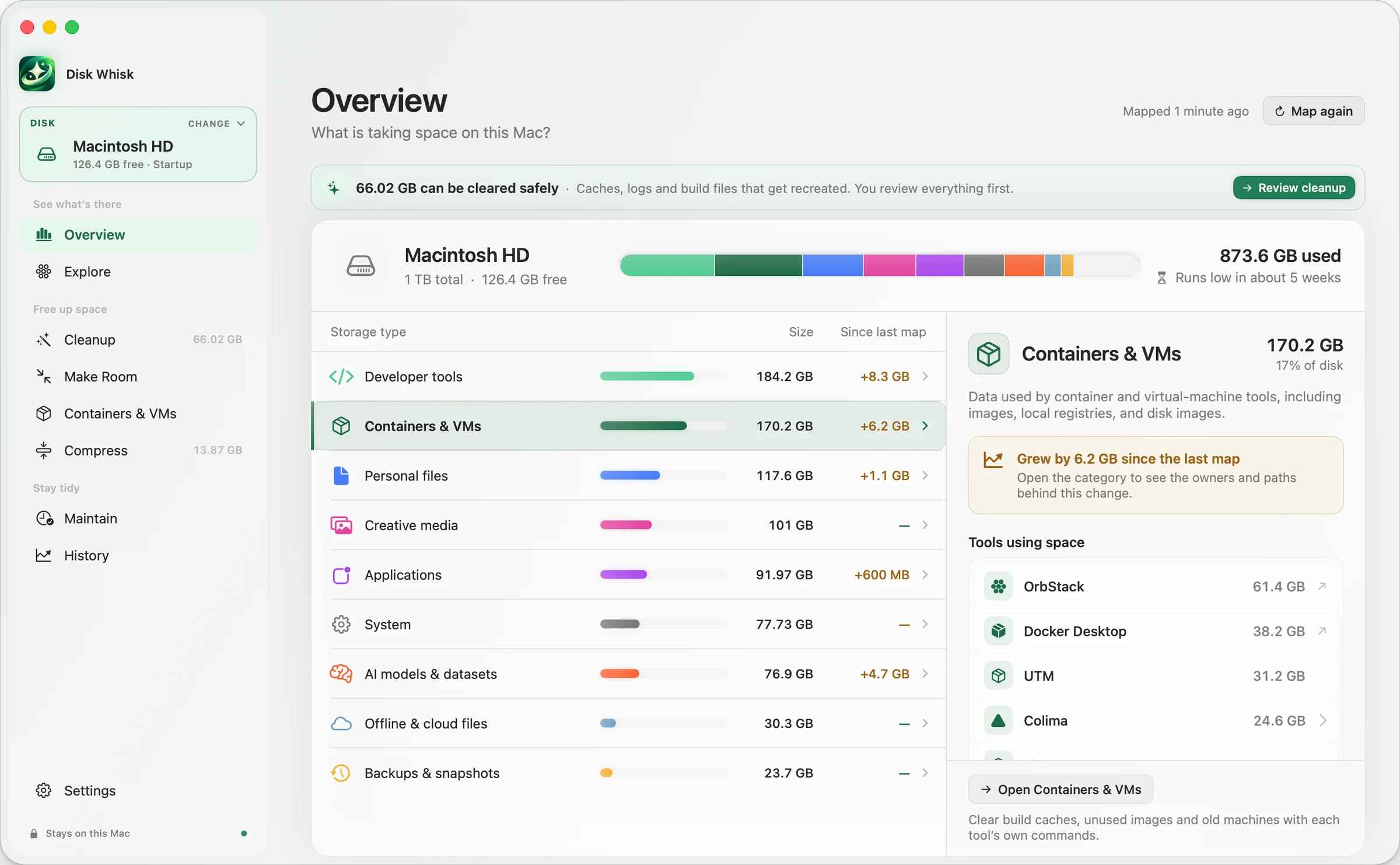
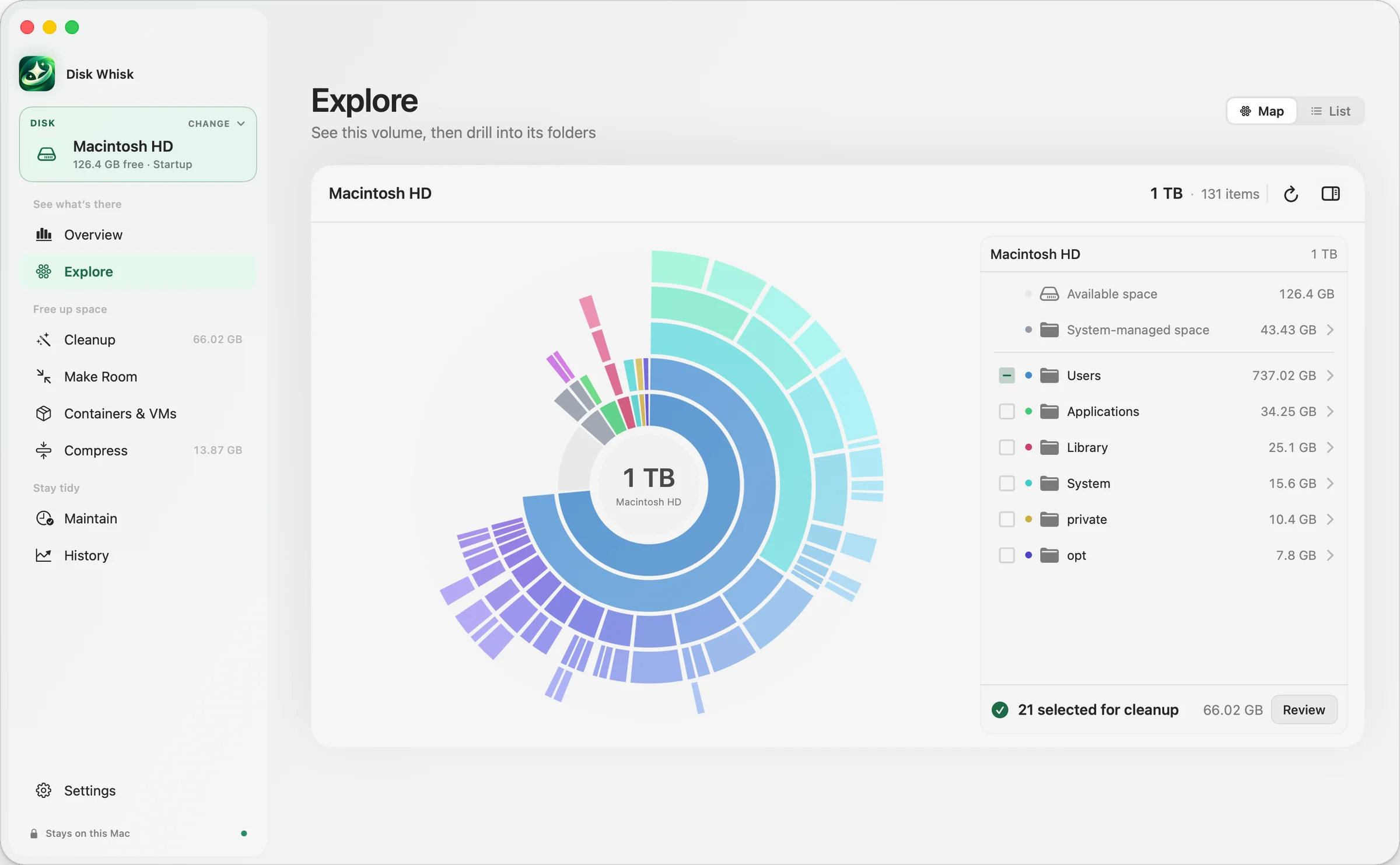
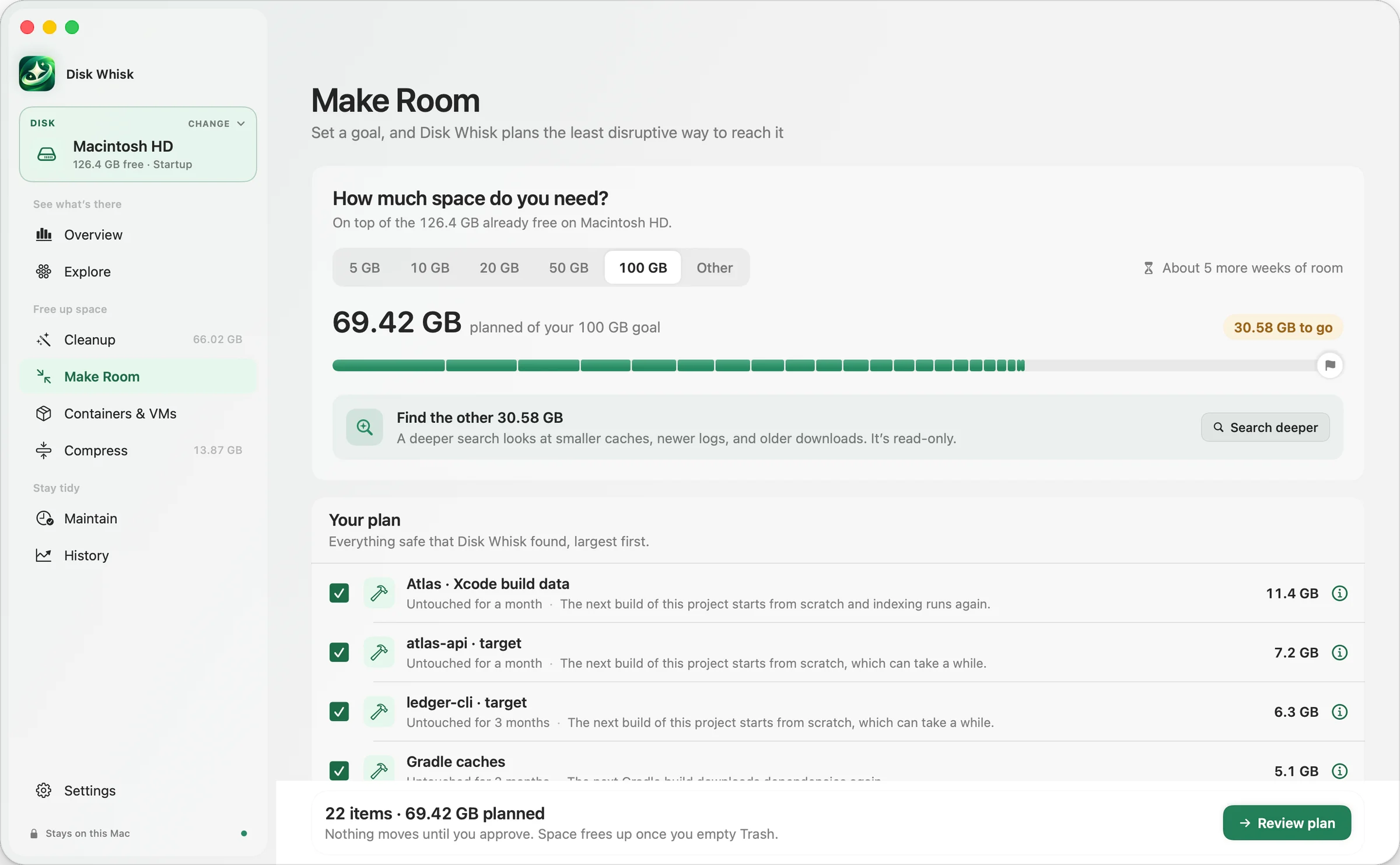
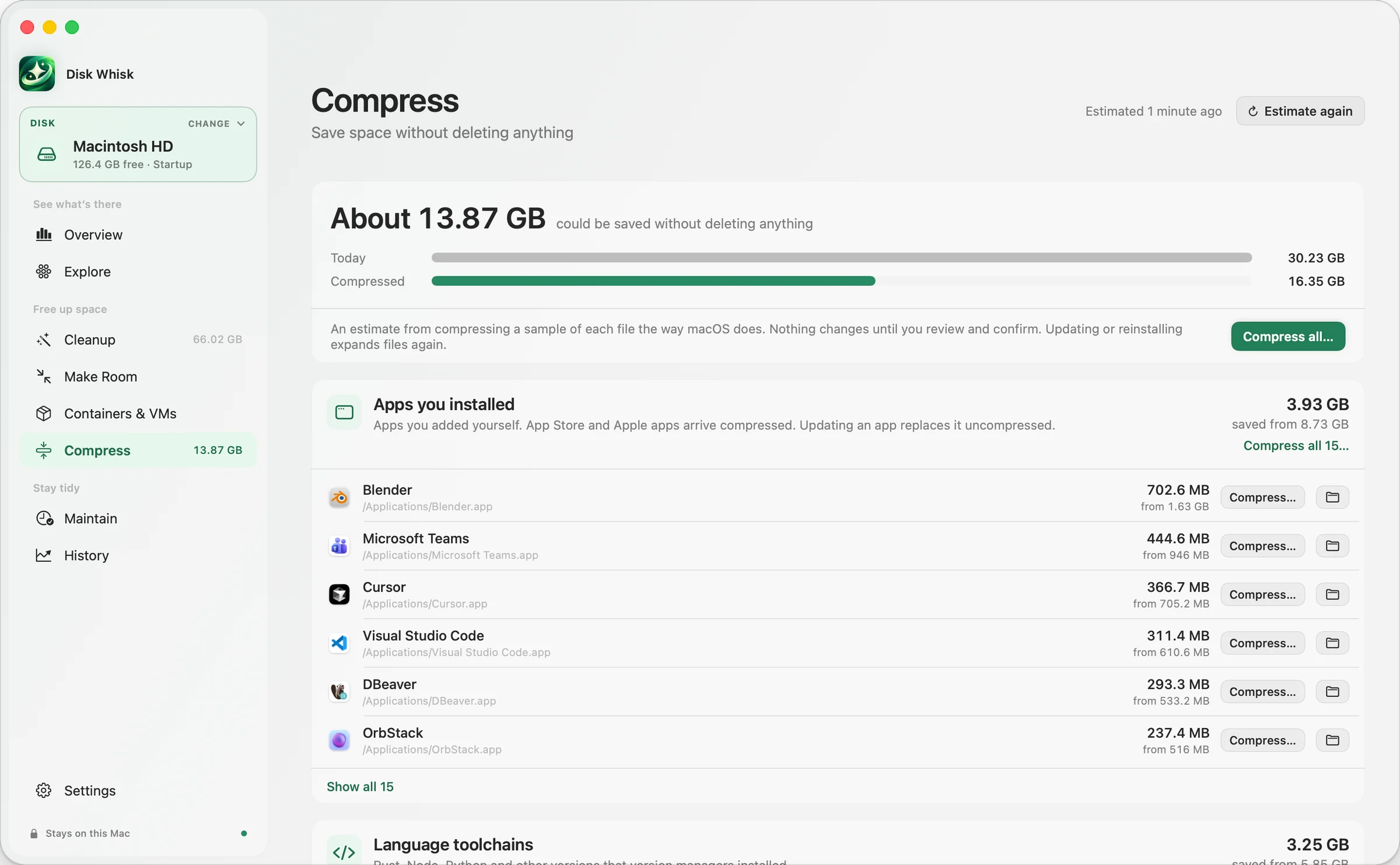
Scans, the storage map, every explanation, Make Room plans, container insights, Compress estimates, Uncompress, Ask Disk Whisk, History and restore are free forever. Pro runs the cleanups, including Make Room and container cleanup, compresses what you choose, and adds Storage Story and Maintain automation. Every download includes a 7-day Pro trial you start when you’re ready, with no account or card. When it ends, Disk Whisk returns to Free and everything free keeps working. Pro checks in online at least once every 30 days; scans, History and restore always work offline.